


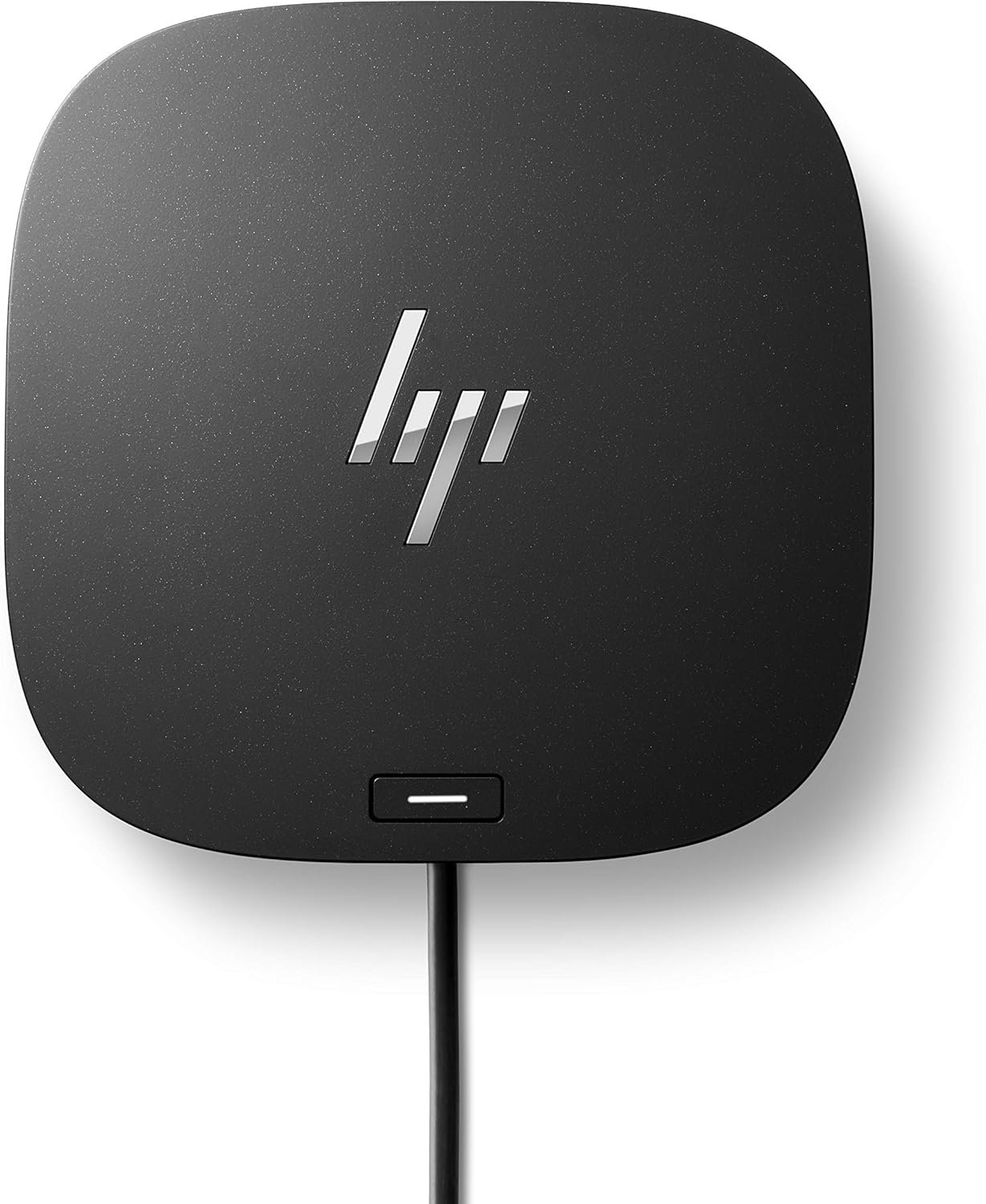

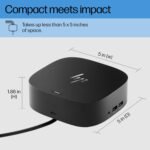


HP USB-C Dock G5-11-in-1 Adapter for Both USB-C and Thunderbolt-Enabled Laptops,…
$106.60
Price: $79.99 - $106.60
(as of Dec 08, 2025 12:27:09 UTC – Details)
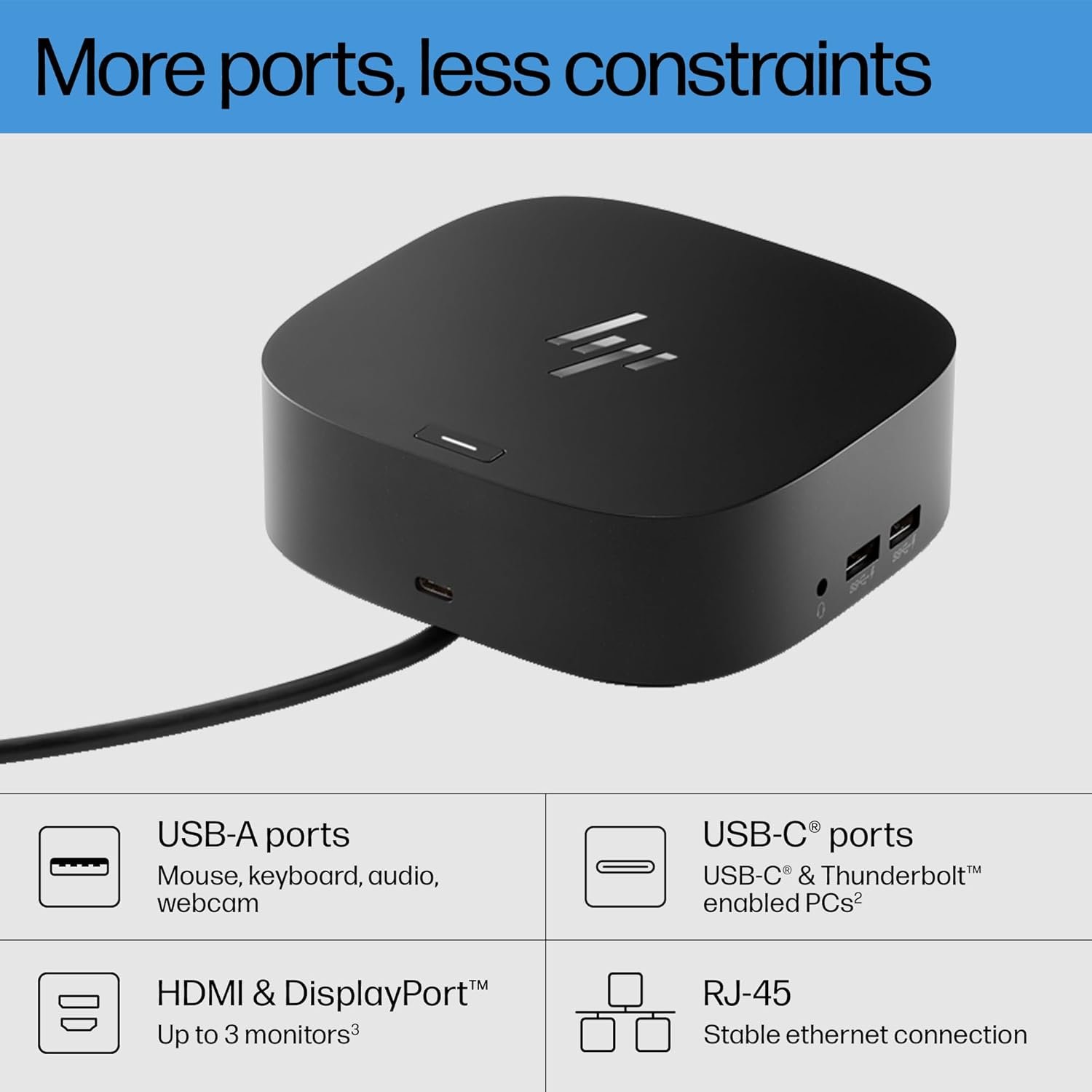
Get to work with the versatile, elegant, and space-saving HP USB-C Dock G5. Compatible with HP laptops, MacBook® computers, and other notebooks (2), this USB dock is great for organizing your desk with its small footprint and single-cable set-up. Whether it’s displays or other electronic accessories, your universal dock will assist with charging, data transfers, and networking between devices. (1) For USB-C® functionality, host PCs must support the DisplayPort™ Alt mode protocol through its USB-C® port. Thunderbolt™-enabled notebooks will function at USB-C® speeds. Charging and port replication is supported on notebooks that have implemented USB-C® industry specifications. Power button to turn on or wake the system, Wake-on LAN from warm and cold dock, Wake-on LAN from S4/S5, and MAC Address Pass-Through in S0, S3, S4, S5 warm and cold dock features only function on HP or HP-supported notebooks. HP does not provide Ethernet and audio drivers on Mac PCs. (2) Based on HP internal testing on select non-HP notebook models compatible with USB-C® industry standards. Certain Alt mode features are not supported, such as power button, MAC Address Pass-Through, Wake-on LAN, and OOB Wake on LAN. Visit the HP Support page to determine your HP notebook’s wattage and port specifications. Visit the support page of your non-HP notebook to determine its wattage and port specifications. (3) Supports three displays including the notebook screen. (4) Internet connection required and sold separately. Managed PCs must be running Windows 10.
COMPATIBILITY WITHOUT CONSTRAINTS – Designed with universal compatibility in mind, this dock works with both HP and non-HP USB-C- and Thunderbolt-enabled laptops (1).
CLEAR THE CLUTTER – Avoid a messy desk as the dock cuts down on extra cords or easily tangled wires.
SINGLE-CABLE SOLUTION – Add your accessories and up to three displays to the dock (3). Then simply connect it to your laptop through a single USB-C cable to access your devices and charge your PC (1).
SMALL FOOTPRINT – Reclaim your desk with a compact dock that takes up only 5 x 5 inches of space.
EASILY MANAGE YOUR ENVIRONMENT – Help secure and remotely manage your laptop as this dock gives you more access and visibility with advanced network manageability features (1).
Customers say
Customers give positive feedback about the docking station’s quality and ease of setup. The port capacity receives mixed reviews – while it has plenty of ports, some customers note it only has one HDMI port. Functionality and compatibility show mixed results, with some customers reporting it works well with both Mac and Windows computers, while others mention compatibility issues with HP laptops. Display quality and durability receive negative feedback, with customers reporting flickering monitors and the device dying within six months of use. Value for money opinions are divided, with some finding it well worth the money while others disagree.








Reviews
There are no reviews yet.