

Blog
Living With the Lenovo ThinkPad X1 Carbon Gen 14 Aura Edition, a Fantastic Business Travel Companion

Lenovo’s ThinkPad X1 Carbon has long been the company’s flagship business laptop, and this year’s version, the Gen 14 Aura Edition, not only offers the newer Panther Lake chips but also has been redesigned to be more serviceable and convenient. While this version may not be a huge change, it shows some very nice improvements.
Visually, the Gen 14 Aura looks almost identical to last year’s version, with the typical black matte color, though it’s 2mm thicker, something I doubt most people will notice. The laptop measures 12.30 by 8.49 by 0.36 to 0.69 inches. My version weighed 2.14 pounds, or 2.64 pounds with a new, lighter 65-watt charger, making it still the lightest of the major-brand business notebooks.
The extra thickness hints at one of the big changes. The interior of the machine has been redesigned with what the company calls a “space frame,” including a two-sided motherboard. This allows for more easily replaceable parts, including the keyboard, battery, and even the ports. I can attest that it is more serviceable. At one point, the machine hung, and I opened it up and was able to unplug and replug the battery very easily.
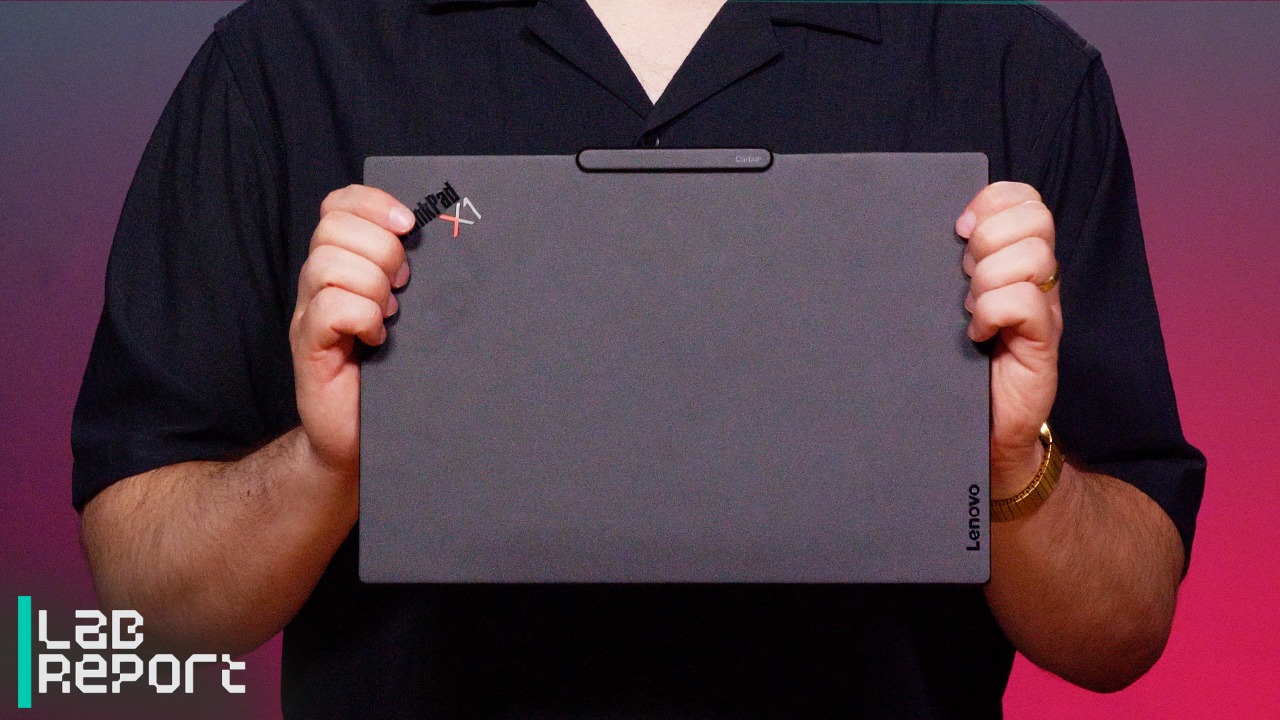

Lenovo’s Repairable X1 Carbon Gen 14 is a Dream Business Laptop
One noticeable difference is in the port placement. The Gen 14 version has an HDMI port, two 40Gbps USB-C/Thunderbolt ports, and an audio jack on the left side, with a locking slot and USB-A on the right. Compared with last year’s version, the big changes are that the power button is now on the keyboard rather than the side, there’s one less USB-A port, plus USB-C ports are now on both sides. I appreciate being able to plug in the charger from either side. Lenovo says this design should also be more performant, as it supports an additional 5 watts of TDP.
Great Performance, Besting Its Predecessor
The version I tested had an Intel Core Ultra 7 355 (Panther Lake) processor, with four performance cores with a base frequency of 2.3GHz and a max turbo of 4.7GHz, and four low-power efficiency cores with a base frequency of 1.7GHz. To this, it adds four of the company’s Xe graphics cores and a 49 TOPS neural processing unit (NPU).
I recently tested two Dell XPS 14 Panther Lake systems. The Gen 14 Aura has a slightly faster processor than one of the model’s Ultra 5 325, but lacks the 12-core graphics of the other’s Core Ultra X7 358H.
On standard PC performance benchmarks, the Gen 14 easily bests the Gen 13 (Lunar Lake) version of the X1 Carbon, and indeed all the Lunar Lake systems I’ve tested, but lags slightly behind the Ultra 5 325 version of the Dell XPS.
The Gen 14 scores well on graphics and workstation tests, though the differences between it and last year’s Lunar Lake systems aren’t very big. I see a bigger delta in AI testing versus last year’s model. In all cases, the Gen 14 scores considerably behind the X7 358H version of the XPS, where the additional graphics processing really made a difference. (Note that Lenovo doesn’t currently offer the X7 versions in its lineup.)

(Credit: Joseph Maldonado/PCMag)
On my tougher tests, I saw great performance in some instances. The Gen 14 ran a large MatLab model in just over 18 minutes, compared with 24 minutes on last year’s model. This is better than on any lightweight laptop I’ve tested. (For some reason, the model wouldn’t run on the Dell models.)
It ran a complex Excel model in 34 minutes, the same speed as last year’s model and still the best time I’ve seen on a standard laptop. It was able to encode a video in Handbrake in an hour and 27 minutes—better than the hour and 35 minutes on the slower XPS, but not as fast as the hour and 5 minutes on the faster one.
Battery life was quite good, with the 58 watt-hour battery lasting almost 18 hours on PCMark 10’s Modern Office test, not as good as the Ultra 5 version of the XPS or several heavier Lunar Lake machines I’ve tested, but almost two hours better than last year’s X1 Carbon. As with almost all of the recent laptops, I was able to use the machine for a full day of work at conferences or traveling without worrying about charging it.
Recommended by Our Editors
Special Software Seems Largely Unchanged
Lenovo is selling this as an “Aura Edition,” meaning that it has special software for improved support, but it generally doesn’t seem much changed from last year’s version. You access these features through the Lenovo Commercial Vantage software for managing and updating your device. Interestingly, the version I tested had neither the older Lenovo AI Now application nor the recently announced Qira AI assistant. Lenovo says the machine will be upgraded when Qira is available.
The model I tested had a lovely 2,880-by-1,800 OLED display. Although I miss having a touch screen, that option is available, as is a more standard 1,920-by-1,200 IPS LCD. Audio and video performance was good, with decent speakers and a five-megapixel RGB webcam with IR support. It worked well for video conferences.

(Credit: Joseph Maldonado)
The price of laptops has gone up in recent months, and Lenovo’s models are no exception. A customized model with similar specifications to the one I tested—Core Ultra 7 355, 32GB of memory, 512GB SSD, and 2.8K non-touch display—is available on Lenovo’s website for $2,379 as I write this, while a model with a slightly lower end Ultra 5 335 processor, 32GB of memory, 256GB SSD, and 1,920-by-1,200 display starts at $2,139.
I’ve always found the X1 Carbon models to be great road companions, and the Gen 14 is no exception. Thanks to its better serviceability, improved port placement, and Intel’s Panther Lake chips, this laptop stands out.
About Our Expert

Michael J. Miller
Former Editor in Chief
Experience
Michael J. Miller is chief information officer at Ziff Brothers Investments, a private investment firm. From 1991 to 2005, Miller was editor-in-chief of PC Magazine,responsible for the editorial direction, quality, and presentation of the world’s largest computer publication. No investment advice is offered in this column. All duties are disclaimed. Miller works separately for a private investment firm which may at any time invest in companies whose products are discussed, and no disclosure of securities transactions will be made.
Until late 2006, Miller was the Chief Content Officer for Ziff Davis Media, responsible for overseeing the editorial positions of Ziff Davis’s magazines, websites, and events. As Editorial Director for Ziff Davis Publishing since 1997, Miller took an active role in helping to identify new editorial needs in the marketplace and in shaping the editorial positioning of every Ziff Davis title. Under Miller’s supervision, PC Magazine grew to have the largest readership of any technology publication in the world. PC Magazine evolved from its successful PCMagNet service on CompuServe to become one of the earliest and most successful web sites.
As an accomplished journalist, well versed in product testing and evaluating and writing about software issues, and as an experienced public speaker, Miller has become a leading commentator on the computer industry. He has participated as a speaker and panelist in industry conferences, has appeared on numerous business television and radio programs discussing technology issues, and is frequently quoted in major newspapers. His areas of special expertise include the Internet and its applications, desktop productivity tools, and the use of PCs in business applications. Prior to joining PC Magazine, Miller was editor-in-chief of InfoWorld, which he joined as executive editor in 1985. At InfoWorld, he was responsible for development of the magazine’s comparative reviews and oversaw the establishment of the InfoWorld Test Center. Previously, he was the west coast bureau chief for Popular Computing, and senior editor for Building Design & Construction. Miller earned a BS in computer science from Rensselaer Polytechnic Institute in Troy, New York and an MS in journalism from the Medill School of Journalism at Northwestern University in Evanston, Illinois. He has received several awards for his writing and editing, including being named to Medill’s Alumni Hall of Achievement
Latest By Michael J. Miller
Read Full Bio
Related Posts


Sonos Beam Ultra vs Beam (Gen 2): Which Sonos soundbar is better for you?
-
Posted by
laptops@bestnewlaptops.com

An Epic Labor Day Deal: Slash Over $700 Off This Lenovo Gaming Laptop
-
Posted by

Lenovo Yoga Pro 9i Gen 11 Aura Edition Review: A Slick Creator’s Laptop at a Steep Price
-
Posted by

Lenovo Yoga Slim 7x Gen 11 Review: Oh, Snap! Elite CPU Speed at a Heavy Price
-
Posted by

Best Laptop Deal of the Day: Take $650 Off This Lenovo IdeaPad
-
Posted by

This Near-Mint Dell Laptop Is Ready for Business and 58% Off
-
Posted by

Lenovo Chromebook Plus 14 Review: ChromeOS Gets Outside Its Comfort Zone
-
Posted by

It’s going to be a fantastic summer for foldable smartphones
-
Posted by

Celebrate July 4th With $700 Off This Lenovo Legion 5i Gaming Laptop
-
Posted by

Lenovo Yoga Slim 7i Ultra Aura Edition Gen 11 Review: Chasing Lightness Has Its Cost
-
Posted by

The Xreal Aura looks expensive, just not as expensive as Snap’s Specs
-
Posted by